
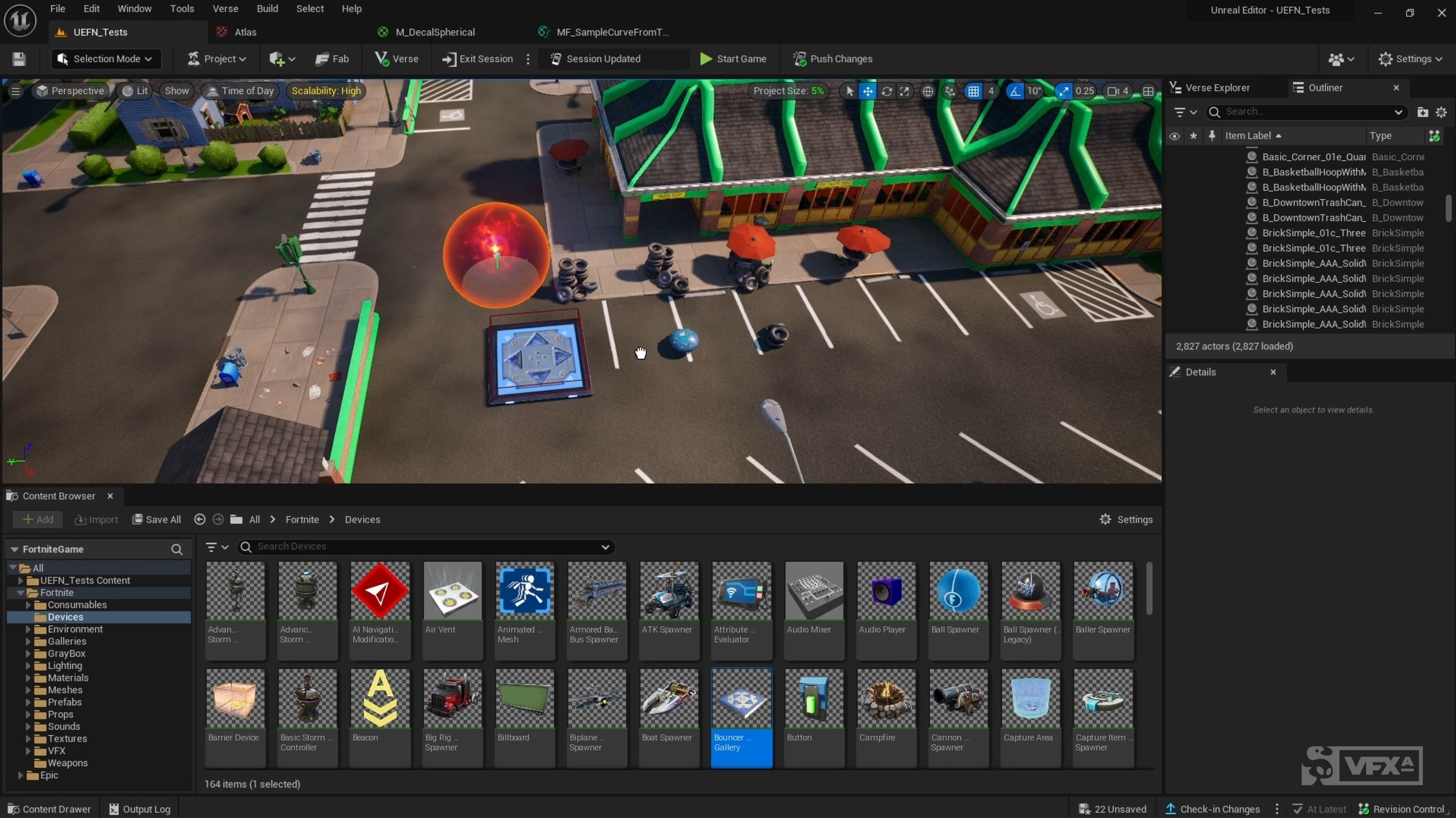
A Windows app docked next to the editor. Describe a change, review the diff, then apply and compile.
start_timer.versetrigger_score.versehud_message.verse
1using { /Fortnite.com/Devices }2using { /Verse.org/Simulation }3 4start_timer_on_button := class(creative_device):5 6 @editable7 StartButton : button_device = button_device{}8 9 @editable10 RaceTimer : timer_device = timer_device{}11 12 OnBegin<override>()<suspends>:void=13 StartButton.InteractedWithEvent.Subscribe(OnButtonPressed)14 15 OnButtonPressed(Agent:agent):void=16 RaceTimer.Start()It works on the project you have open
Ask a question or describe a change. You decide what gets written into the island.
An early-stage editing assistant, not a complete game generator. Editing support depends on the qualified UEFN build and operation. A successful compile is not a gameplay or publish-validation pass. Back up valuable projects before trying experimental workflows.
- Ask
- Questions about the open island, the devices, and the Verse. Nothing is written.
- Draft
- A script, a device edit, or a placement comes back as a diff you can read.
- Apply
- Approved edits are written through UEFN. Verse changes are compiled. Supported edits can be undone; permanent removals are identified before approval.
Supercharge Your Fortnite Creative Islands Today.
Install VersicLM on Windows. It docks beside UEFN so you can describe a change, review the Verse, then apply and compile.
Download